
VPN for Google Gemini in Russia: how to restore access

Daniel
2026-09-24
Read time
3 minutes
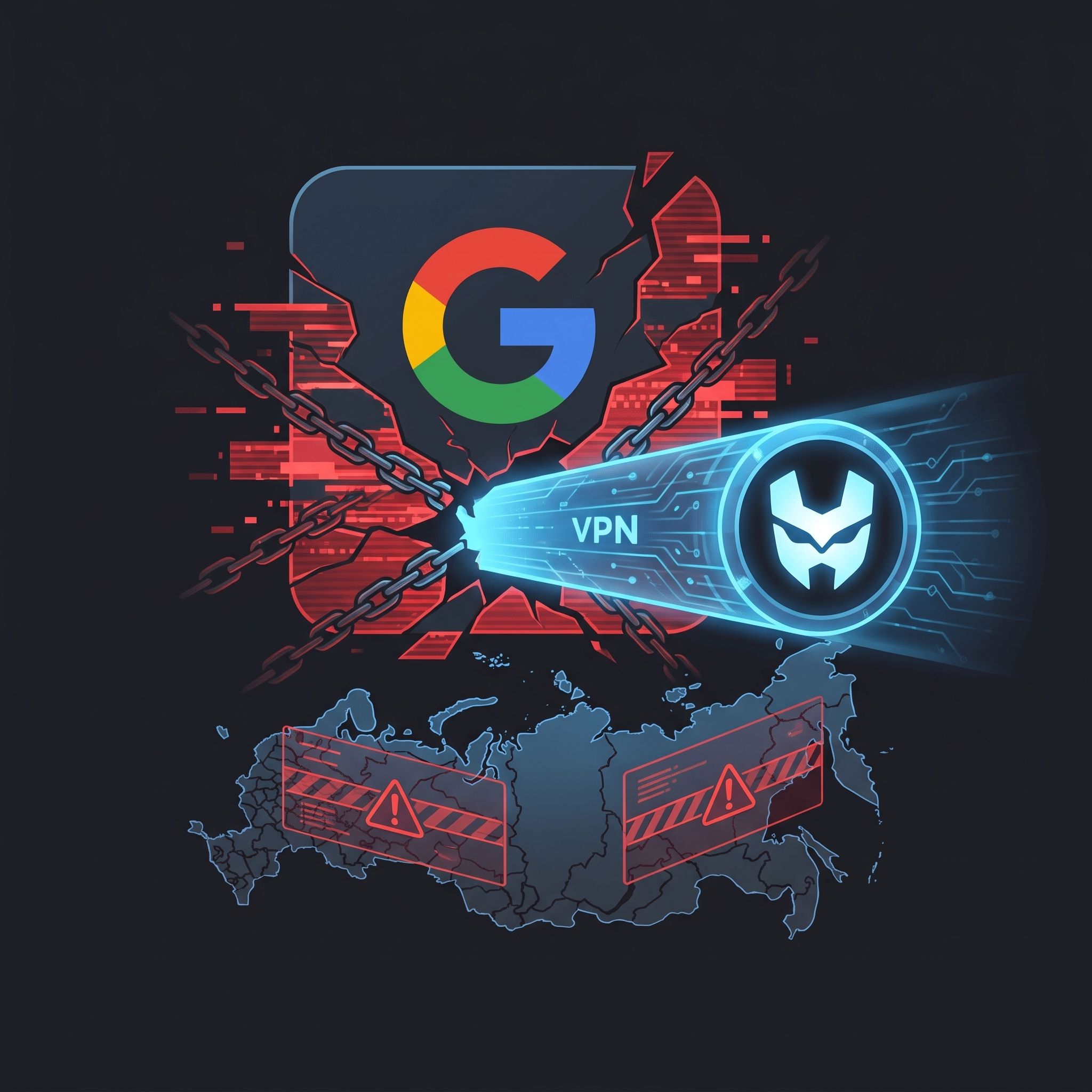
In late summer and early autumn of 2026, Russian users encountered difficulties when trying to use Google Gemini. Common bypass methods stopped working for many of them: although the interface may load and display chat history, attempting to send a new query results in an error stating that the service is unavailable in the region. The issue has become widespread, with complaints spiking in August and September, especially after September 23.
The service itself is operating stably, and no global outages on the servers have been recorded. The last confirmed incident occurred on September 11, 2026, when Gemini 3.1 Pro users faced errors due to an update, but engineers resolved this issue in 7 hours and 22 minutes. The current restrictions are targeted and stem from the fact that Russia is not officially supported by the platform, whereas the web version is available in over 230 countries and the mobile app in more than 150.
Specifics of Location Verification by the System
The main difficulty is that developers evaluate more than just the current IP address of the network connection. For new profiles, the registration location is the decisive factor, while for accounts older than one year, Google looks at the country where the user spent most of their time over the previous twelve months. Consequently, even with an active European server, the account itself remains linked to the Russian region, causing the service to block access immediately after authorization.
Problems with IP Address Identification
An additional barrier is that the system can identify certain foreign servers as being in Russia. In mid-September, users noticed that switching to IP addresses on Dutch or other European servers led to instant blocks, while other addresses allowed traffic to pass without issue. To check how the system actually perceives your location, simply launch a browser in incognito mode without logging into your profile and see which country is displayed at the bottom of the search page.
Simply changing DNS settings in this situation does not yield the desired result. This technology only maps domain names to IP addresses but does not mask the user's actual address or affect the account's association with a specific country. Modifying DNS servers only helps when requests bypass the encrypted connection to the provider, but it is powerless against complex regional checks.
Difficulties of Using Mobile Applications
On mobile devices, the situation is further complicated because applications have access to geolocation sensors. Furthermore, a vulnerability was discovered in the Android 16 operating system that allows apps to transmit traffic directly, bypassing an active secure tunnel. For the AI assistant, this is critical, as a single request from an actual local address immediately results in a session block.
To resolve this, it is essential to ensure the integrity of the tunnel and review traffic routing settings. Some services do not route Google domains through the secure channel by default to preserve connection speed. Experts recommend tunneling all traffic completely, paying close attention to auxiliary system addresses such as generativelanguage.googleapis.com, alkalimining-pa.googleapis.com, and proactivebackend-pa.googleapis.com.
Step-by-Step Diagnostic Algorithm
The most reliable way to identify the cause of the issue is sequential verification. First, launch the service in private mode without logging in, then sign in with your account. If difficulties arise only after logging in, the problem lies in the regional association of the profile. If the service is unavailable even in incognito mode, you need to change the specific outbound IP address or the service provider. When using Android 16, it is also recommended to fully restart the device and recreate the network profile to eliminate potential IPv6 traffic leaks.
Using a reliable service like HiroVPN will help minimize such risks of blocks and data leaks, ensuring stable and secure access to the required resources.